How to Download Bulk GST Returns at One Go By using Wraptax Extension (Step-by-Step Guide)
Downloading GST returns one by one from the GST portal can be time-consuming for tax professionals and businesses. Using the Wraptax GST Downloader Extension, you can download multiple GST returns at once in just a few steps.
This guide explains the complete step-by-step process to download bulk GST returns easily from the GST portal.
Step 1: Install the GST Downloader Extension
First, you need to download and install the Wraptax GST Downloader Extension from the Chrome Web Store.
You can download the extension using the link below:
https://chromewebstore.google.com/detail/gst-downloader/ofaeanedgijjmocdejfgcnhmngodmpda
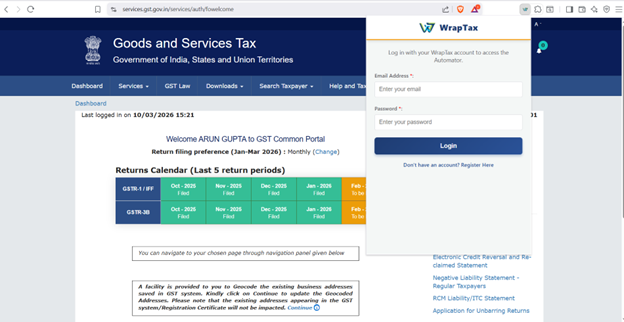
Click on “Add Extension” to install the extension in your browser.
This extension works on browsers such as:
- Google Chrome
- Brave Browser
- Other Chromium-based browsers
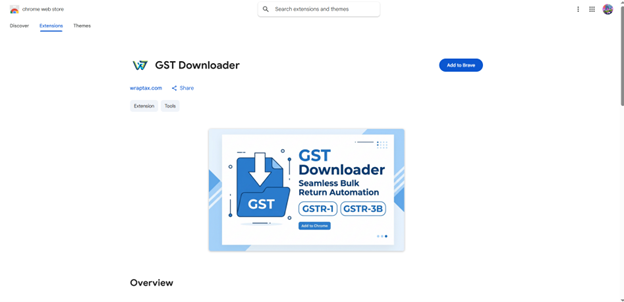 Step 2 : Once installed, make sure the extension is successfully added to your browser.
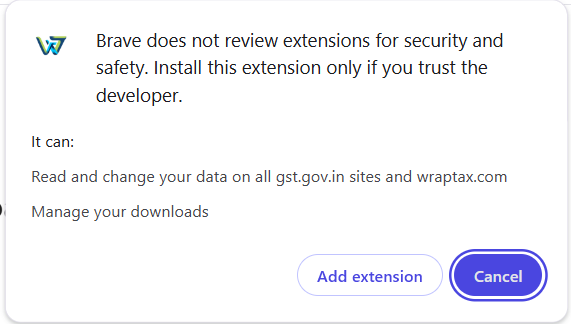
Step 3: Login to the Wraptax Extension
Once you are logged into the GST portal:
- Click on the Wraptax Extension icon in your browser.
- Login using your Wraptax credentials.
If you are a new user, click on “Don’t have an account? Register here.” and create a new account.
After successful login, the extension interface will appear on your screen.
 Step 4: Configure Browser Settings
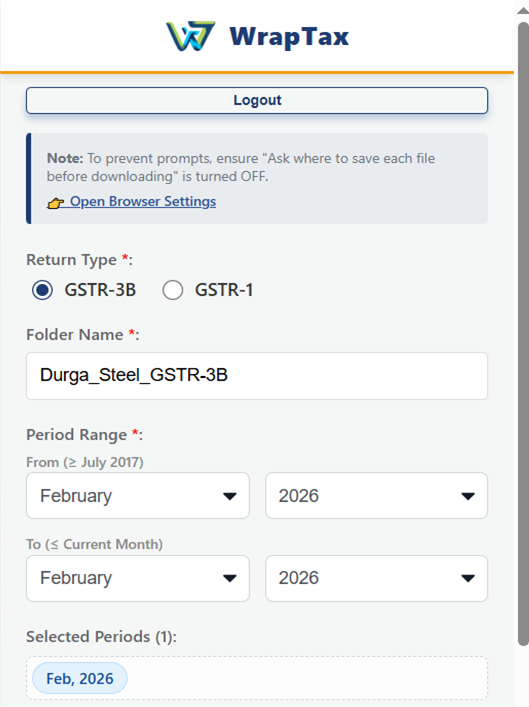
- After logging in to the extension, an interface will appear asking you to open browser settings.
- Click on “Open Browser Settings”.
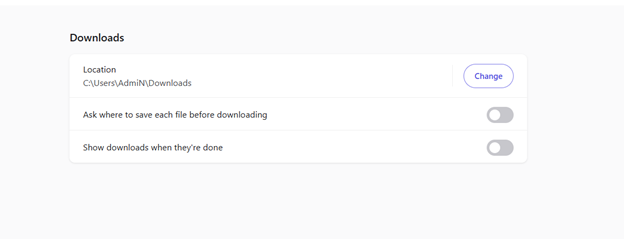
- Now make sure the following two options are turned OFF in your browser settings to ensure smooth downloading of GST returns.
- Disabling these settings helps the extension download multiple GST returns without interruption.
Step 5: Open the GSTR-1 Summary (One-Time Step)
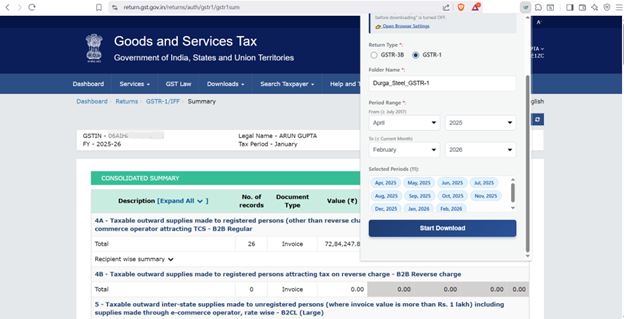
To download multiple GSTR-1 returns, you need to perform this step only once.
Go to the Summary section of GSTR-1 for any period in the GST portal.
This step allows the extension to access the return data required for bulk downloading.
Step 6: Select Folder and Period Range
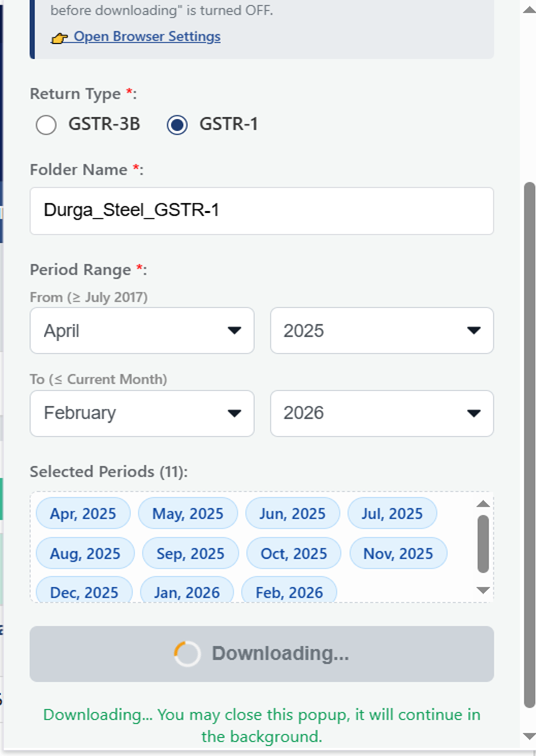
Now open the Wraptax Extension and select the following options:
- Choose the folder where you want the GST returns to be downloaded.
- Select the period range for which you want to download GST returns.
After selecting the folder and period, click on “Start Download.”
Final Result
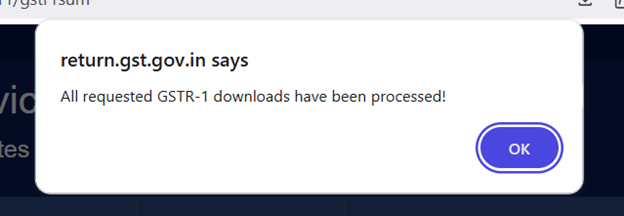
After the process is completed, all GST returns for the selected period will be downloaded automatically into the selected folder on your system.
This allows you to download multiple GST returns at one go, saving significant time and manual effort.
Subscription
Upgrade your GST workflow with our advanced Bulk Download Utility. Start your subscription now and unlock its full potential via the link below:
https://wraptax.com/checkout/gst-download-extension